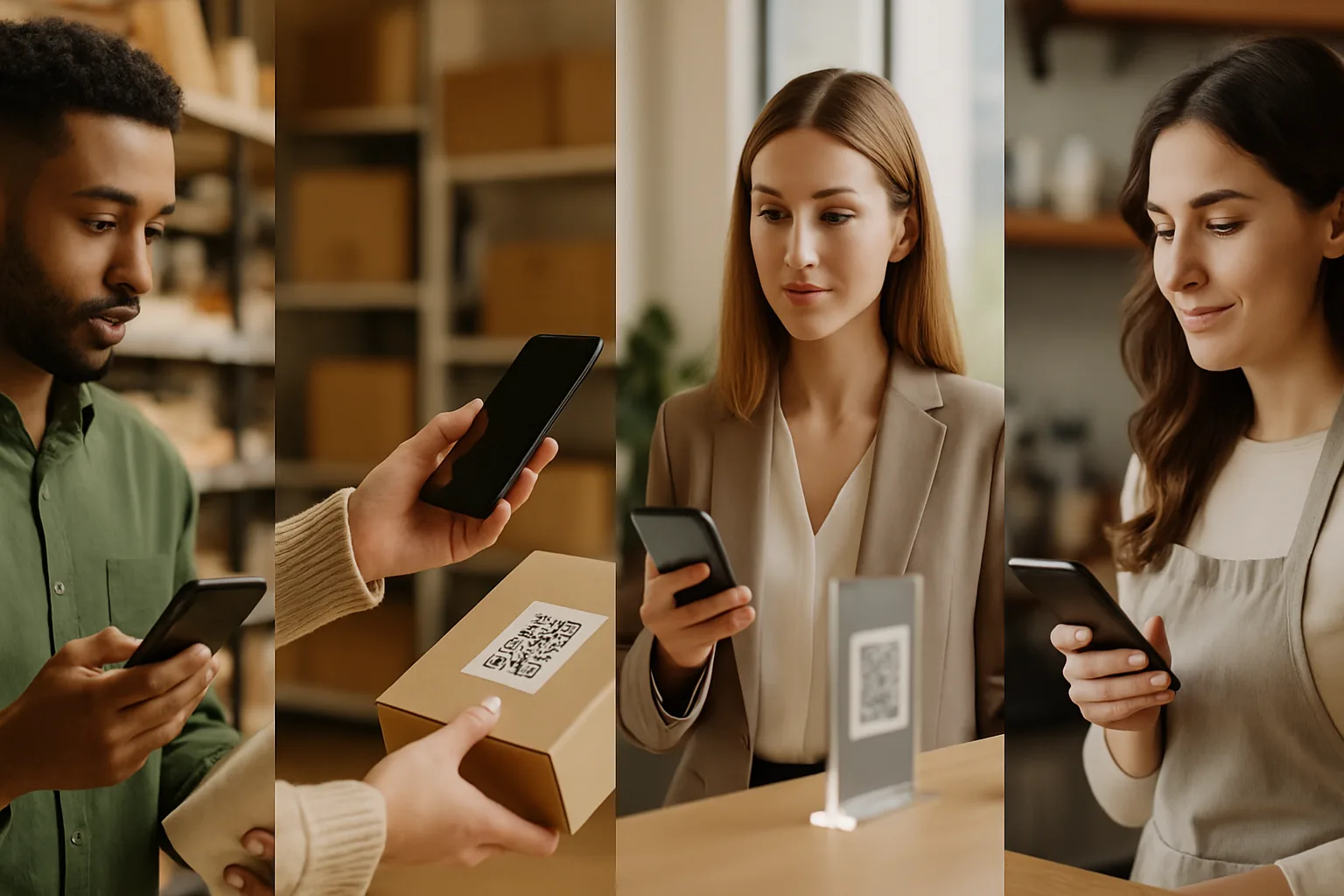
Most dynamic QR routing discussions focus on when someone scans (time-of-day) or where they are (geo). Scan-count routing is less talked about but often more effective — it changes where a code sends people based on how many times it has already been scanned. That single variable unlocks a surprising range of practical use cases.
Here's what scan-count routing actually is, how the logic works, and four scenarios where it earns its keep.
What Scan-Count Routing Actually Does
A dynamic QR code doesn't encode a destination URL — it encodes a short redirect URL that your platform controls. Every time someone scans, the platform logs it, checks your routing rules, and decides which destination to serve right now.
Scan-count routing adds a numeric condition to that decision:
- Scan ≤ 50 → URL A
- Scan 51–200 → URL B
- Scan > 200 → URL C
You set the thresholds and destinations in your dashboard. The printed code never changes. Understanding why dynamic codes enable this while static ones can't is covered well in the guide to static vs dynamic QR codes — the short version is that static codes burn the destination in permanently, so there's no layer to intercept and reroute.
4 Scenarios That Actually Work
Scenario 1: Limited-Stock Offers
The problem: You print 500 flyers advertising a 20%-off deal, but only 75 items are in stock. You can't pull all the flyers when stock runs out, and you can't update a static code.
The setup:
- Scans 1–75 → product page with the discount code pre-applied
- Scans 76+ → "Sorry, this offer has ended" page with an alternative product or waitlist signup
Why it works: The code enforces the offer cap automatically. You don't need someone monitoring stock and manually editing a landing page at midnight. The redirect fires the moment scan 76 comes in.
One watch-out: Scan count ≠ conversion count. Someone might scan and not buy, so your actual stock cap should be a bit above your scan-count cutoff, or you build a small buffer (e.g., cap at scan 60 for 75-item stock).
Scenario 2: First-Mover Rewards
The problem: You want to reward early adopters — the first 100 people to scan a poster at a product launch — without pre-printing individual codes or running a manual giveaway.
The setup:
- Scans 1–100 → exclusive landing page with a VIP gift or early-access link
- Scans 101+ → standard product page
Why it works: It creates genuine scarcity. When you announce "the first 100 scanners get X," people act faster. There's no lottery, no admin — the code itself enforces the rule. This tactic is particularly effective at in-person events where the audience is physically present and competitive.
Pairing tip: Show a scan counter on the destination page ("73 of 100 claimed") by pulling the scan total from your platform's API. Some QR platforms expose this directly in their embed widgets.
Scenario 3: Campaign-Phase Transitions
The problem: A multi-week promotion moves through phases — awareness, consideration, conversion — but you've printed posters for all three weeks at once.
The setup:
- Scans 1–300 (week 1 awareness phase) → brand story video or explainer
- Scans 301–800 (week 2 consideration) → comparison page or testimonials
- Scans 801+ (week 3 conversion) → time-limited checkout offer
This works best when combined with time-based routing, so the phase change is driven by whichever threshold is hit first — scan count or calendar date.
Why it works: Your creative budget is fixed, but the message evolves with audience familiarity. Visitors in week 3 are more likely to be returning scanners who already know the product. QR code analytics can confirm whether repeat-scan rates are rising, which is your signal that the audience is warming up.
Scenario 4: Inventory Countdown with Social Proof
The problem: A restaurant runs a daily special — 30 portions only. You want the QR code on the table tent to reflect availability without staff intervention.
The setup:
- Scans 1–20 → "Today's special: available now" menu page
- Scans 21–29 → "Almost gone — only a few left" page (same menu, different header)
- Scans 30+ → "Sold out today — see tomorrow's menu" page
Why it works: The urgency messaging is automatic and accurate. Diners at scan 25 genuinely see "almost gone," not a marketing exaggeration. This builds trust over time, which matters in repeat-visit environments like restaurants or hotel lobbies.
Setting This Up: A Short Checklist
Before you configure scan-count routing, work through these:
- Does your platform support scan-count conditions? Not all dynamic QR providers do. Confirm this is a native rule type, not a workaround.
- Is the threshold realistic? Base it on expected traffic, not hoped-for traffic. An overly low cap on a high-traffic placement will redirect almost everyone to the fallback.
- What does the fallback page say? The experience after the cap is hit matters as much as the experience before it. Don't send people to a 404 or a generic homepage.
- Are you logging scan events? Pair scan-count routing with analytics to understand how quickly thresholds are being hit so you can calibrate future campaigns.
- Have you tested the transition? Manually trigger the threshold in a staging environment before going live. Confirm the redirect switches cleanly at the boundary scan.
Key Takeaways
- Scan-count routing changes a dynamic QR code's destination based on how many total scans have occurred — no reprinting needed.
- It's most useful for limited-stock offers, first-mover rewards, phased campaigns, and real-time inventory messaging.
- The fallback destination (what shows after the threshold) deserves as much design attention as the primary destination.
- Pair scan-count rules with time-based rules for more resilient campaigns that transition on whichever condition fires first.
- Review your analytics after each campaign to calibrate thresholds — early campaigns will likely need adjustment based on real traffic patterns.
If you're building out a broader routing strategy, Super QR Code Generator supports dynamic redirect rules including scan-count conditions from the dashboard, without needing a developer.