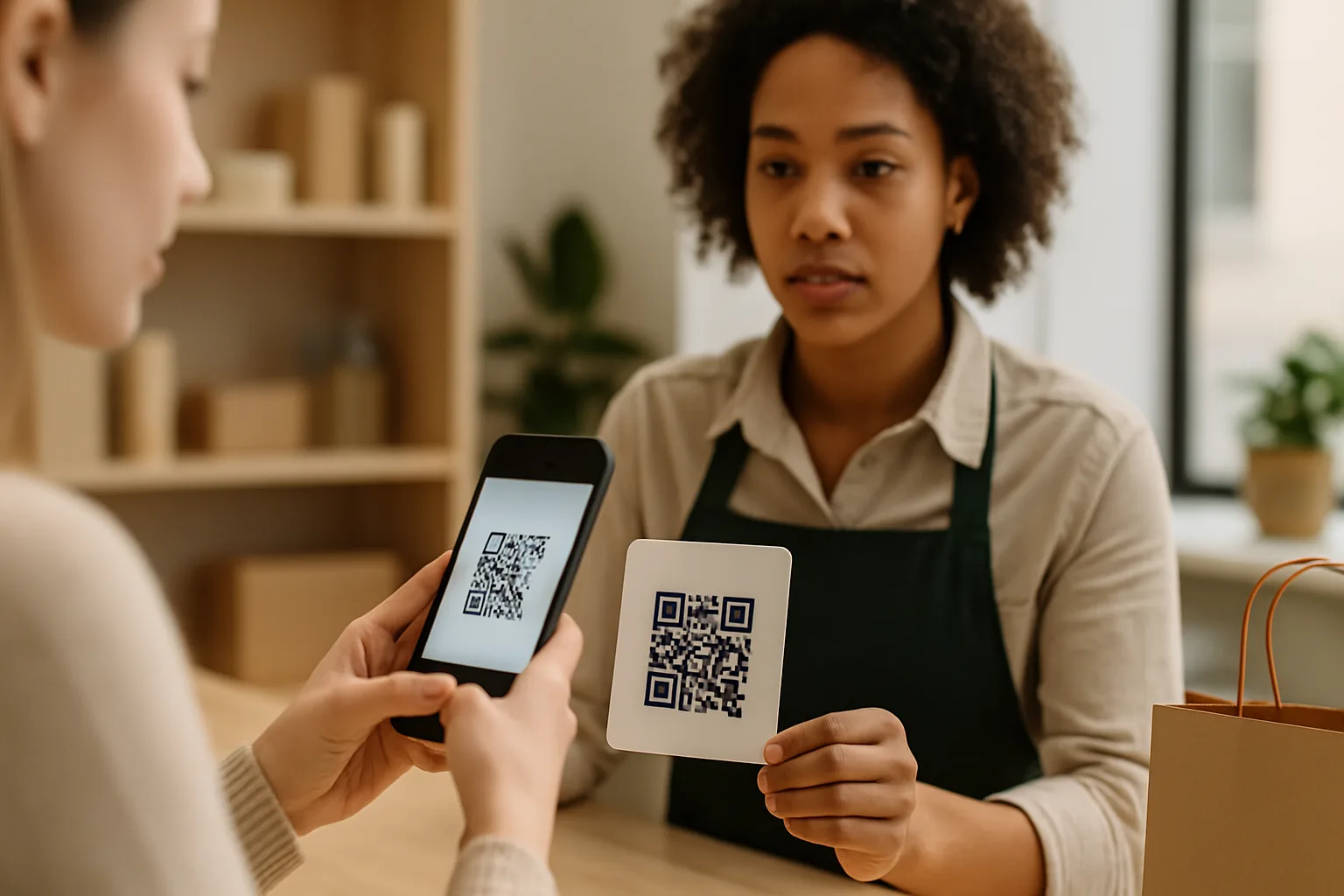
QR codes are on restaurant tables, parking meters, parcel stickers, and event posters. That ubiquity is exactly what makes them attractive to attackers. Quishing — phishing delivered via QR code — has grown significantly since 2022 because it bypasses most email security tools and exploits the trust people have built around scanning. Knowing what a malicious QR code looks like before you scan is the single most effective defence you have.
Why QR Codes Are a Phishing Vehicle That Works
A URL embedded in a QR code is invisible until after you scan. Unlike a suspicious link in an email, where you can hover to preview the destination, a QR code gives you nothing to evaluate before committing. Attackers use that gap. They print fake codes over legitimate ones in public spaces, embed them in PDF invoices, and paste sticker codes over parking meters — all counting on the fact that most people scan first and look second.
The six red flags below are observable before you reach the destination — or right at the moment you land on it.
Red Flag 1: A Physical Sticker Placed Over a Printed Code
Run your finger across any QR code on a static surface — a menu, a poster, an ATM fascia. If there is a raised edge where a sticker sits on top, that code has been tampered with. Legitimate businesses print codes directly onto materials or use embedded displays. A sticker layered on top is the most common physical-world attack vector and takes an attacker about ten seconds to execute.
Red Flag 2: The Surrounding Context Doesn't Match
Ask yourself: does the code belong here? A QR code taped to a parking meter in a city that uses an app-based system, a code on a handwritten note left on your windshield, or a code printed on paper and slipped under your hotel room door — none of these fit normal business contexts. Attackers rely on environments where scanning feels routine. When the context feels slightly off, trust that instinct.
Red Flag 3: The URL Preview Shows a Mismatched or Shortened Domain
Most modern smartphone camera apps and dedicated scanner apps display a URL preview before opening it. Read that URL carefully:
- Typosquatting:
paypa1.com,amazon-support.net, orhsbc-secure.coare not the brands they imply. - Excessive subdomains:
login.account.verify.yourbank.com— the actual registered domain is the part immediately before the first/, not what comes first. - Raw URL shorteners with no preview: A link that immediately redirects through
bit.lyor a private shortener with no landing page preview removes your last chance to verify.
How to actually read the preview on each platform
The preview is a readout of the encoded payload, not a safety verdict. Neither iOS nor Android runs phishing classification at that stage, so a convincing lookalike domain is displayed without any warning.
- iPhone (iOS 16+): the Camera app shows a banner at the edge of the frame. Tapping opens it immediately; long-pressing the banner instead opens a share sheet that shows the full URL, which is what you want when the link looks unusual. Check that Settings → Camera → Scan QR Codes is switched on.
- Android: Google Lens, Samsung's camera and most vendor apps show a chip with a truncated URL — and truncation is exactly what hides
evil-redirect.net/amazon-giftcard/r…. Tap the chip rather than "Open", or copy the URL, so you see the whole path before anything loads. - Dedicated scanner apps additionally check the URL against known-malicious databases before the browser opens. That is a real safety layer the native cameras do not have, at the cost of granting camera access to another app.
Six seconds of inspection covers most of the risk: compare the domain letter by letter (rn for m, 1 for l, 0 for o), check the TLD is one the organisation actually uses, find the real domain (the rightmost label before the first single slash — in amazon.fake-login.com that is fake-login.com), and expand shortened links before opening them.
Red Flag 4: The Landing Page Requests Credentials or Payment Immediately
A legitimate QR code from a business rarely takes you directly to a login screen or payment form — especially for an action you didn't initiate. If scanning a restaurant code drops you onto a page asking for your card number "to hold your table," that's a phishing page. Attackers optimise landing pages to look convincing; checking the URL in your browser bar after loading is your second line of verification.
The signals that separate a real brand page from a convincing fake are checkable in a few seconds:
- HTTPS with a valid certificate — a warning interstitial is a full stop, not a hurdle to click past.
- A recognisable domain, ideally the brand's own or a branded short domain, not a generic link shortener.
- Branding that matches the physical material you scanned from — logo, colours, tone.
- A specific purpose stated above the fold ("View our menu", "Confirm your booking"), not a generic landing screen.
- No immediate request for credentials, card details or ID before anything of value has been offered.
- Visible contact details and legal links — imprint, privacy policy, a real address.
- A page that loads fast and completely; half-rendered pages that snap into a login form are a classic phishing pattern.
Red Flag 5: The Code Arrives Unsolicited via Email, SMS, or Chat
Regulators and security researchers consistently flag QR codes delivered through unsolicited messages as high-risk. A parcel notification you didn't expect, an invoice from a vendor you don't recognise, or a "missed delivery" SMS with a QR code attached — these are phishing templates. The QR code is there specifically because it routes your attention off the channel where security filters operate and onto your phone camera, where there are none.
If a message claims urgency ("scan within 24 hours or your account is suspended"), that's a social engineering signal compounding the risk.
Red Flag 6: No HTTPS on the Destination, or a Certificate Warning
Once you've landed on a page, check the browser bar. HTTP (no padlock) is a hard stop — close the tab immediately. An HTTPS warning or "Not Secure" label in a modern browser means either the certificate has expired or the domain has never had one issued, both uncommon for any business running a real web property. Neither is conclusive proof of phishing on its own, but combined with any of the red flags above, the risk is high enough to leave.
What to Do If You've Already Scanned
If you recognise any of these red flags after scanning:
- Do not enter any information on the page.
- Close the browser tab immediately — loading a page alone rarely compromises a device, but any form submission or file download can.
- Disconnect from Wi-Fi briefly if you suspect an active session hijack.
- Run your device's security scan if you have one installed.
- Report the code to the venue or organisation whose brand was impersonated — they need to know their signage has been tampered with.
The attack category has a name — quishing, QR-code phishing — and the defence has two sides. The consumer side is everything above. The business side is below.
For Business Owners: What You Can Do to Protect Your Customers
Your customers are scanning your codes in good faith. A few low-effort measures reduce the risk that an attacker exploits that trust:
- Use dynamic QR codes — you can monitor scan volumes and destination redirects, making tampering detectable through anomalous traffic.
- Print codes directly onto materials rather than applying stickers wherever possible.
- Add a visible domain name near the code ("Takes you to yoursite.com") so scanners can cross-reference the URL preview.
- Audit high-traffic physical placements (menus, signage, packaging) regularly for sticker overlays.
The Super QR Code Generator platform generates dynamic codes with scan analytics, so you can spot unusual activity — a sudden spike in scans from an unfamiliar region often signals that a code has been replicated or tampered with.
Key Takeaways
- The six red flags — sticker overlays, mismatched context, suspect URL previews, immediate credential requests, unsolicited delivery, and missing HTTPS — are all observable before you submit any information.
- Read the URL preview your camera shows before tapping. It is the single most effective pre-scan check.
- Business owners should use dynamic codes with analytics; anomalous scan data is often the first sign of tampering.
- Urgency cues in the message around a QR code are a social engineering signal, not a reason to scan faster.