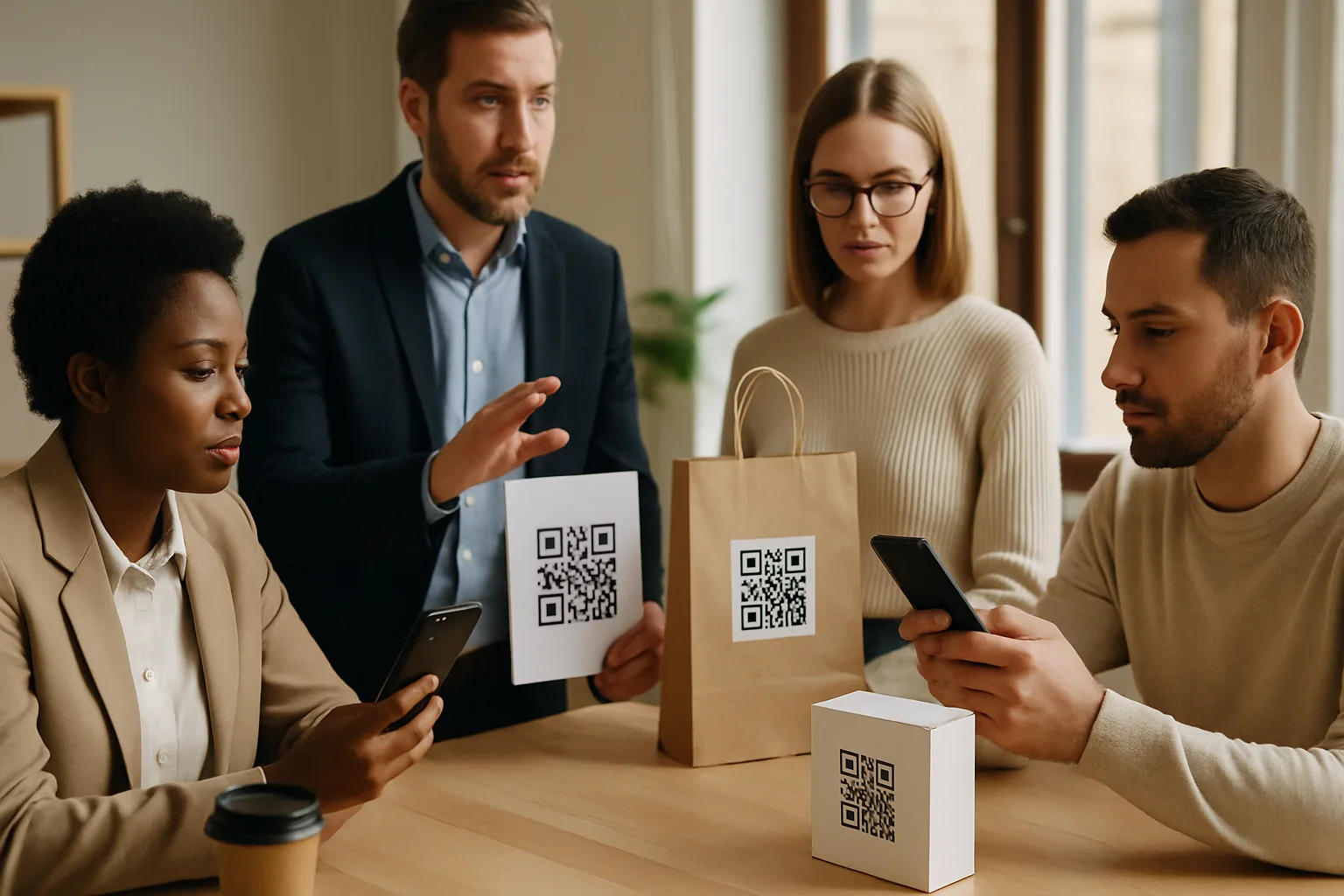
Most successful QR-based attacks don't exploit a technical vulnerability — they exploit a person who didn't know what to watch for. Phishing via QR code (often called "quishing") is up sharply because it bypasses email filters and feels more trustworthy than a suspicious link. If you run a small business or manage a team that handles printed materials, point-of-sale equipment, or supplier communications, a thirty-minute training session is one of the cheapest security investments you can make.
Here's a practical, six-part framework you can walk your team through right now.
1. Explain What a QR Code Actually Does
Before teaching threats, make sure everyone understands the mechanism. A QR code is just a machine-readable instruction — most commonly a URL, but sometimes a Wi-Fi credential, a phone number, or a payment request. Scanning one hands control to wherever the code points, which is exactly what attackers exploit.
Point staff to a plain-language resource like our complete guide to how QR codes work so they have a baseline. People who understand the tool are harder to deceive with it.
2. Teach the "Preview Before You Proceed" Habit
Every major mobile OS (iOS 16+, Android 13+) shows a URL preview before opening a browser tab when a QR code is scanned with the native camera app. Train your team to:
- Stop at the preview screen — never tap immediately.
- Read the full domain, not just the beginning of the URL. Attackers use subdomains like
yourbank.com.verify-login.netwhere the real domain isverify-login.net. - Look for HTTPS, but treat it as a minimum bar, not a guarantee. Phishing sites routinely have valid TLS certificates.
This single habit blocks a large share of opportunistic quishing attempts. Our separate piece on why URL previews protect scanners has more detail worth sharing with your team.
3. Red-Flag List for Physical QR Codes
Staff who work in retail, hospitality, or events regularly see printed QR codes from third parties — menus, invoices, conference materials, delivery notes. Give them a concrete red-flag list:
| Signal | Why it matters |
|---|---|
| Sticker placed over an existing code | Classic tampering method |
| Code printed on plain paper with no branding | Low barrier for a fake |
URL preview leads to an IP address (e.g., http://192.168.1.1/…) |
Legitimate business sites don't do this |
| Destination doesn't match the promised action | "Scan to see your invoice" → lands on a login page |
| Code on unsolicited mail or packages | High-risk delivery vector |
For a deeper look at physical tampering specifically, the guide to detecting QR code tampering is a practical companion read.
4. Cover Payment and Credential QR Codes Separately
Payment QR codes (used in invoices, at cash registers, on parking meters) are a high-value target. Credential QR codes — the kind that auto-fill a Wi-Fi password or log someone into an app — are a second distinct category your team should treat differently from a marketing scan.
Key rule to communicate: never scan a payment QR code from an unverified source without confirming the payee through a separate channel. If a supplier emails an invoice with a QR code for payment, call the supplier's known number before scanning. This isn't paranoia — invoice fraud via QR is well-documented.
For Wi-Fi QR codes: check with whoever manages your network before scanning a "guest Wi-Fi" code in any shared space you don't control.
5. Set an Internal QR Code Standard for Your Own Materials
A confused or inconsistent internal approach makes staff more vulnerable. If your business uses QR codes on receipts, packaging, or marketing materials, define a standard and communicate it:
- Always use your registered domain as the destination (e.g.,
yourbusiness.com/…), never a raw shortener or third-party redirect with no branding. - Tell your team what your QR codes look like — colour, logo placement, the domain they resolve to — so they can spot an imitation.
- Use dynamic codes where possible so you can audit scan logs and kill a compromised URL without reprinting. The tradeoffs between static and dynamic formats are worth understanding before you decide — this comparison of static vs dynamic QR codes lays them out plainly.
When staff know exactly what your legitimate codes should look like, they're much better at spotting fakes.
6. Run a Simple Tabletop Exercise
Knowledge decays without practice. Once a quarter, print out two or three QR codes — one that goes to your real website, one that goes to an obvious placeholder ("THIS IS A TEST"), and one that looks plausible but leads somewhere unexpected. Ask team members to scan each one and explain what they'd do before proceeding.
You can build this exercise in under ten minutes using Super QR Code Generator to create the test codes. The goal isn't to catch people out — it's to build the preview-and-pause habit into muscle memory.
Key Takeaways
- QR attacks succeed against people, not systems — training is a direct countermeasure.
- The URL preview screen is your team's most reliable first line of defence; teach everyone to use it.
- Physical tampering (stickers over legitimate codes) is the most common in-person attack vector.
- Payment and credential QR codes carry higher stakes and deserve a separate, stricter protocol.
- Define and communicate what your own legitimate QR codes look like so staff can identify impostors.
- A quarterly hands-on exercise reinforces habits better than a one-off presentation.