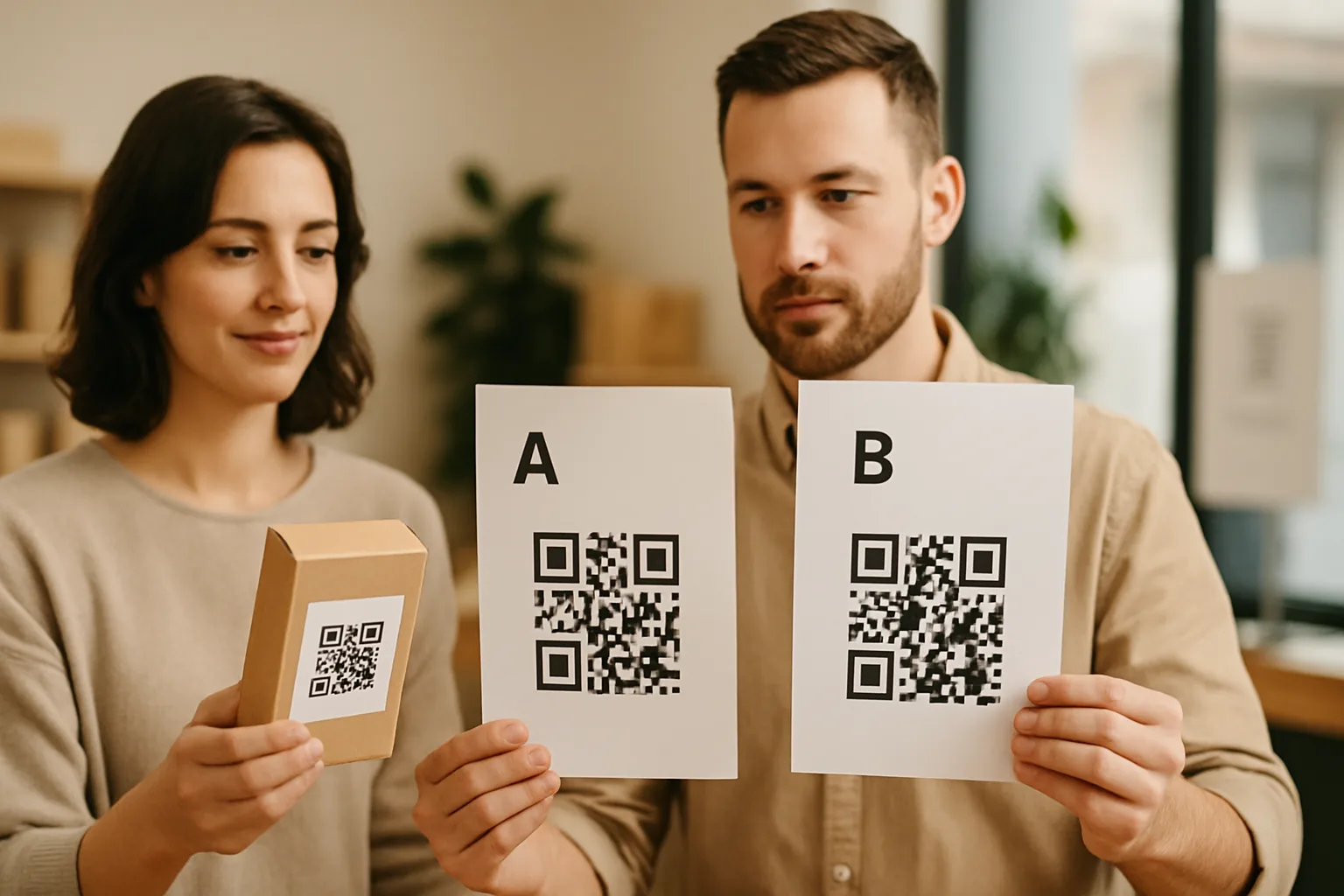
Most QR code decisions get made by gut feel — "the rounded one looks better" or "let's put the logo in the middle." That's fine for a one-off print job. It's not fine when you're running a campaign across 5,000 direct-mail pieces or 200 in-store shelf talkers. A/B testing your QR codes is the practical alternative: run two controlled variants, measure scans, and let the data pick the winner.
Here's how to do it without a statistics degree or an enterprise analytics budget.
Why QR Code A/B Testing Is Worth the Setup Time
A QR code is not just a link. It's also a visual prompt that either catches attention and earns a scan, or gets ignored. Variables like code size, surrounding whitespace, call-to-action copy, code colour, and placement on the material all affect scan rate independently of what's on the landing page.
If you skip testing and just tweak your landing page, you're optimising the wrong end of the funnel. Someone who never scans never reaches your page. A/B testing closes that gap.
The Prerequisites: Dynamic QR Codes and a Clean Hypothesis
A/B testing only works with dynamic QR codes, because you need scan data attached to each code. Static codes produce no analytics — you simply can't know how many people scanned which variant.
Before you create anything, write a single hypothesis:
"Adding a short CTA label below the QR code will increase scan rate on our café menu table cards compared to the code alone."
One variable. One expected direction. Everything else held constant. If you test a different colour and a different CTA and a different size all at once, you won't know which change did the work.
Setting Up a Proper Split Test
Step 1: Create Two Codes, One Destination
Generate two separate dynamic QR codes in your generator. Both codes should point to the same landing URL — the only difference is the physical design element you're testing.
Keeping the destination identical means any difference in scans is caused by the design, not by one page being better.
Step 2: Label Your Codes Before You Print
Name them clearly: menu-card-v1-no-cta and menu-card-v2-with-cta. You will forget which is which under campaign pressure. Messy labelling is the number one reason A/B test data becomes useless.
Step 3: Deploy to Matched Environments
Put variant A and variant B in equivalent positions. In a café, that might mean alternating codes across tables (odd-numbered tables get A, even get B). In a direct-mail campaign, split your mailing list randomly — not by geography or customer segment, which could introduce bias.
Matched deployment is the part most teams skip. If all your A codes go near the entrance and all your B codes go near the back, you're measuring foot traffic, not design.
Step 4: Set a Minimum Run Time and Sample Size
Don't call a winner after three days or 40 scans. A useful rule of thumb:
| Expected weekly scans per variant | Minimum run time |
|---|---|
| < 50 | 4 weeks |
| 50–200 | 2 weeks |
| 200+ | 1 week |
The goal is enough scans that a random good day for one variant doesn't skew your result. For most small business campaigns, two to four weeks is realistic.
What to Measure
Pull these numbers from your QR platform's dashboard for each variant:
- Total scans — the headline figure
- Unique scans — strips out people who scanned the same code twice
- Scan-by-hour distribution — tells you whether one variant is getting scanned at different times of day, which could signal a placement effect
- Device split (iOS vs Android) — rarely the deciding factor, but useful if you suspect your audience skews one way
The six core analytics metrics covered in our dedicated guide give you a fuller picture of what to prioritise once you have the data.
Calculate scan rate as: unique scans ÷ estimated impressions. Impressions are harder to pin down offline, but you can use table count × estimated covers per day, or mailers sent, to get a denominator.
Common Variables Worth Testing (and a Few That Aren't)
Worth testing:
- CTA text below the code ("Scan for today's specials" vs. no text)
- Code colour (dark blue vs. black, within contrast requirements)
- Code size (40 mm vs. 60 mm on the same printed material)
- Frame shape (square border vs. rounded border)
- Position on the material (top-right vs. centre)
Not worth testing in isolation:
- Tiny module-shape tweaks invisible at typical scanning distance
- Background colours that are too similar to the code itself
- Logo size changes below the threshold where they affect recognition — these matter for branding but won't move scan rate
Reading Your Results Without Overclaiming
If variant B earns 340 unique scans versus variant A's 210 over the same period with equivalent exposure, B wins. Roll it out.
But note what you can't conclude: you can't say the winning design will perform the same in a different context (e.g., a window decal vs. a table card). Context changes the baseline scan rate. You also can't say the winning design is universally better — only that it performed better in this test.
Document your result in a simple log:
Test: menu table card CTA vs. no CTA
Period: 2026-04-01 – 2026-04-28
Winner: with-CTA (+62% unique scans)
Context: 22 tables, lunch and dinner service
That log becomes an internal reference for future campaigns. Over a year, you'll build genuine, context-specific knowledge about what works for your specific audience — something our QR code generator makes straightforward to execute with its per-code analytics dashboard.
Key Takeaways
- Use dynamic QR codes — static codes produce no scan data and can't be A/B tested.
- Test one variable at a time. Multi-variable changes produce ambiguous results.
- Deploy variants to matched environments to avoid confounding by location or audience segment.
- Run the test long enough to collect at least 100 unique scans per variant, or four weeks minimum for low-traffic placements.
- Log every result. Your findings from one campaign are the starting point for the next.