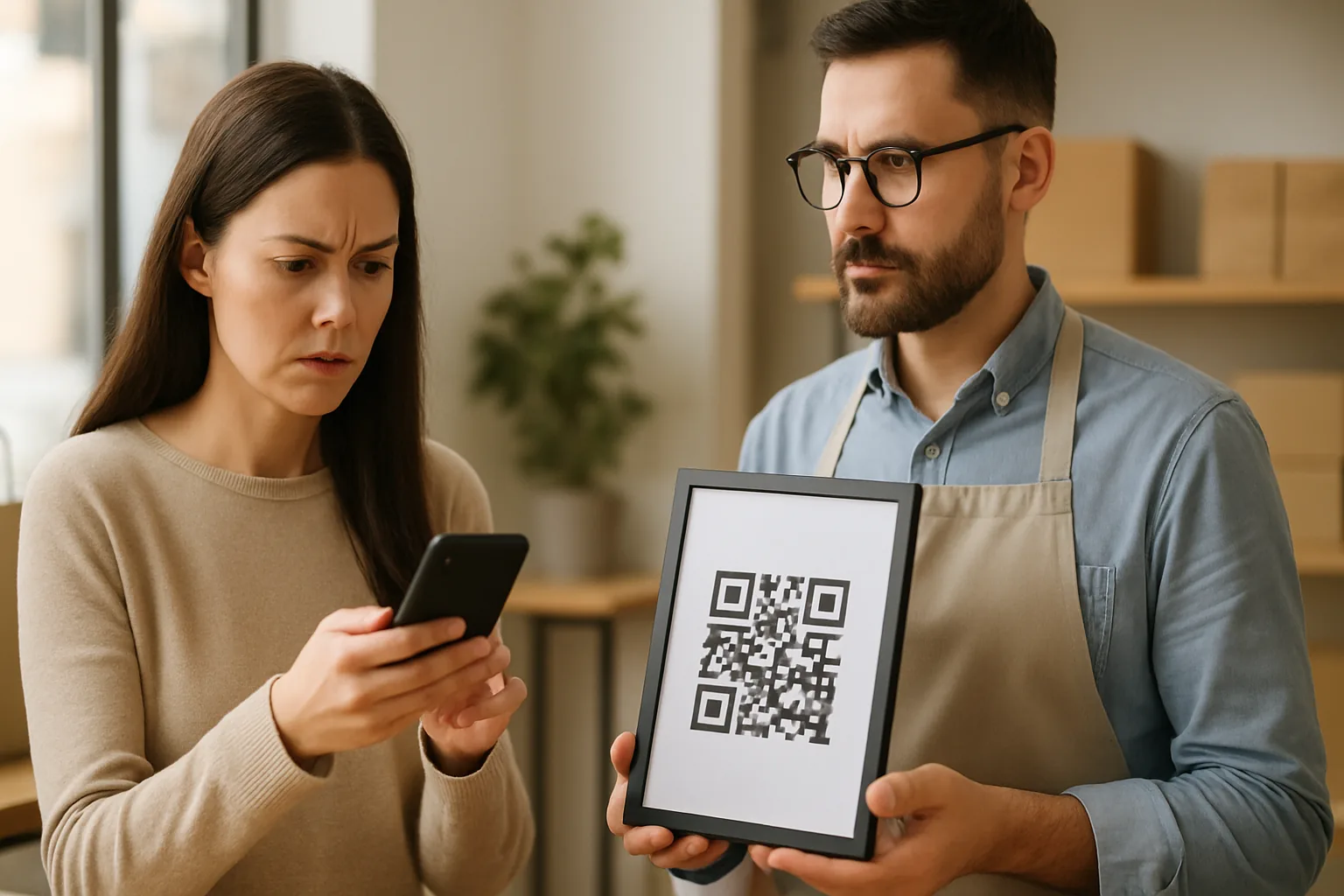
QR codes are everywhere now — restaurant menus, event badges, payment terminals, parking meters. That ubiquity has made them a serious attack surface. "Quishing" (QR code phishing) lets attackers bypass email filters entirely, because the malicious URL sits inside an image rather than a plain-text link. Security teams at major banks and government agencies have flagged it as one of the fastest-growing social-engineering vectors of the past two years. If you create QR codes for your business, understanding how quishing works protects both you and the people who scan your codes.
What Quishing Actually Looks Like
A quishing attack follows a simple playbook:
- The attacker generates a QR code that encodes a malicious URL — usually a credential-harvesting page designed to look like a bank, parcel courier, or workplace login.
- The code is embedded in a phishing email (where it evades link-scanning filters), printed on a sticker placed over a legitimate QR code, or left on a flyer in a public space.
- The victim scans with their phone. Mobile browsers have less robust phishing protection than desktop browsers, so the attack succeeds more often.
The most damaging real-world variant is sticker hijacking: a criminal prints a counterfeit QR sticker and pastes it over yours on a physical display. Your customers scan what looks like your code, but land on a fake payment or login page.
Six Signs a QR Code May Be Malicious
Teach your team — and remind your customers — to check for these before acting on any scanned URL:
- Sticker on top of printed material. Legitimate codes are usually part of the original print job. A sticker on top, especially one that's slightly crooked or bubbled, is a red flag.
- URL domain doesn't match the brand. After scanning, most phone cameras preview the URL. A code claiming to be from "yourbank.com" that resolves to "yourb4nk-secure.net" is fake.
- No HTTPS. Any payment or login destination should use HTTPS. Plain HTTP in 2026 is an immediate warning sign.
- Urgent language around the code. "Scan now or your account will be suspended" is social engineering, not legitimate business communication.
- Unexpected location. A QR code on a random lamppost asking for payment is inherently suspicious; the same code on a branded, laminated sign inside a verified business is not.
- Redirect chains you didn't set up. If you're a marketer reviewing scan data and you see unexpected intermediate domains in your redirect path, investigate immediately.
How to Harden Your Own QR Campaigns
Use Dynamic QR Codes With Destination Monitoring
With a dynamic QR code, you can change the destination URL at any time without reprinting. If someone hijacks your code with a sticker, you can redirect the underlying URL to a page that warns users — and you can monitor scan data for anomalies (unusual locations, sudden traffic spikes from unfamiliar cities) that might indicate your code is being exploited. Static codes offer no such recourse once printed.
Register a Recognisable Short Domain
Generic short domains like bit.ly or qr.io train users to ignore the preview URL because it never looks like your brand. If your platform supports a custom short domain (e.g., links.yourbrand.com), use it. Customers learn to recognise it; attackers can't cheaply replicate it.
Add Visible Branding to the Code Itself
A branded QR code — with your logo, brand colours, and a clear call-to-action like "Scan to pay — YourBrand.com" — is harder to convincingly replicate with a sticker. Our Super QR Code Generator supports logo embedding and custom eye styles, making the finished code visually distinctive enough that a plain black-and-white counterfeit sticker looks obviously wrong.
Laminate and Sign-Post Physical Codes
Sticker hijacking is easier on codes that are on paper menus or lightweight displays. Laminated inserts, acrylic stands, or codes printed directly on durable signage are harder to overlay convincingly. For high-risk locations (payment QR codes, especially), consider including a secondary verification step — such as displaying the first four digits of the expected total on screen before the user enters any details.
Audit Your Printed Codes Regularly
Build a simple check into your operations: whoever opens your venue each morning does a quick visual scan of every displayed QR code. Look for stickers, bubbling, or any physical tampering. This costs nothing and catches sticker hijacking before most customers encounter it.
What to Tell Your Customers
If you use QR codes for payments or account access, a one-sentence instruction next to every code goes a long way:
"After scanning, confirm the URL begins with yourbrand.com before entering any details."
This sets an expectation. Customers who are used to verifying the URL are dramatically less likely to fall for a hijacked code, even if your physical security check misses a sticker.
A Note on Scan Analytics as a Security Signal
Monitoring your QR code scan analytics isn't just a marketing exercise — it's a lightweight security signal. If a code that normally gets 20 scans a day suddenly shows 400 scans from a city where you have no customers, something is wrong. Either your code is being shared in an unexpected context, or someone is testing a cloned version. Either way, it warrants investigation.
Key Takeaways
- Quishing (QR phishing) works by encoding malicious URLs in images, bypassing email-link scanners — making it a growing threat.
- Sticker hijacking is the most common physical attack vector: criminals paste counterfeit codes over legitimate ones.
- Dynamic QR codes let you change destinations and monitor for abuse; static codes leave you no options post-print.
- Brand your codes visually, use a recognisable domain, and include a URL-verification instruction next to any payment or login QR code.
- Treat anomalies in your scan analytics — sudden spikes, unfamiliar geographies — as a potential security alert, not just a marketing curiosity.
- Daily physical audits of displayed codes cost nothing and remain the most reliable way to catch sticker hijacking early.