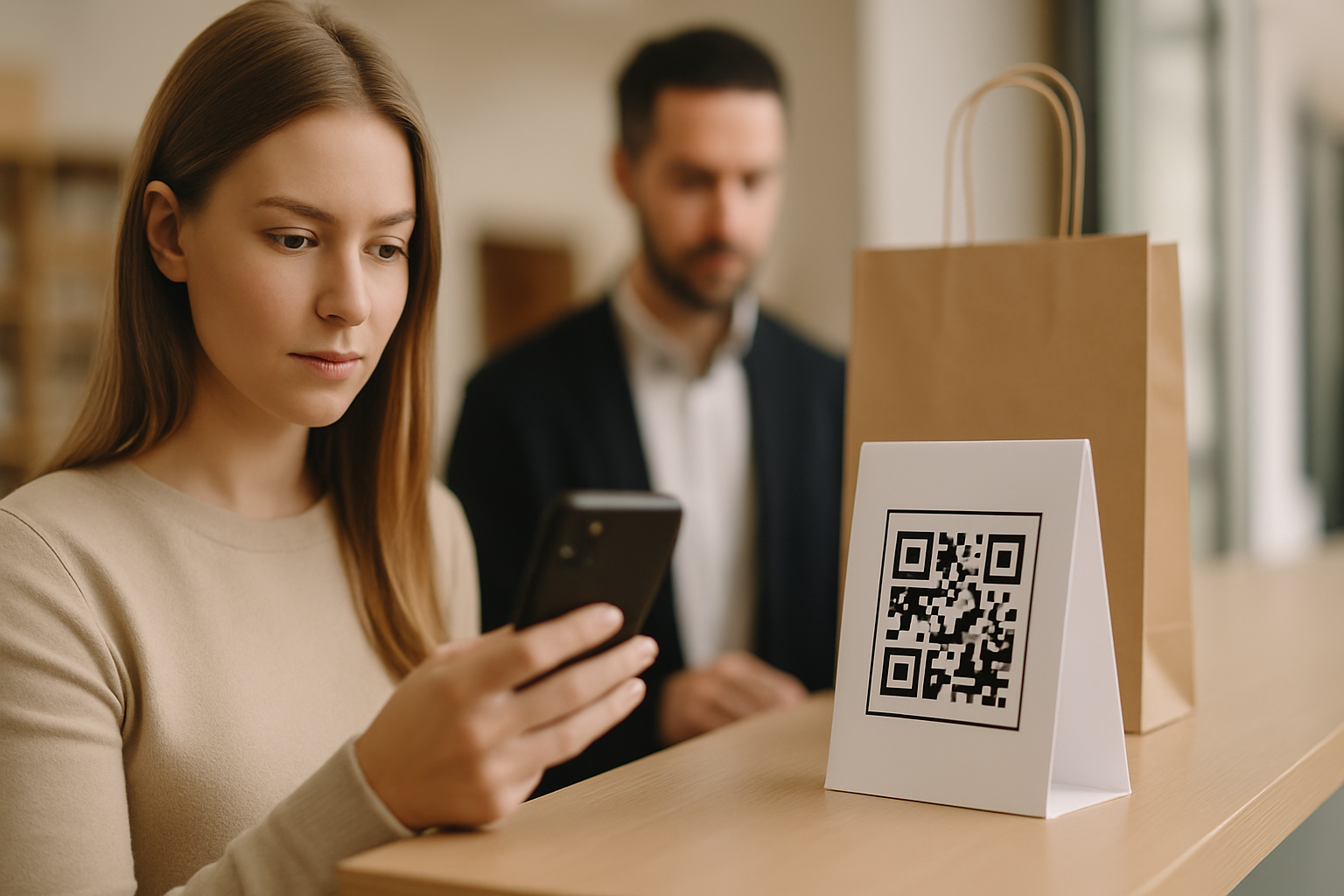
QR phishing — nicknamed "quishing" — has moved from a niche threat to a mainstream attack vector. Cybersecurity teams are seeing it in corporate email, restaurant tables, parking meters, and retail displays. If you print and distribute QR codes as part of your marketing or operations, you have a stake in this. Here is a precise breakdown of how quishing works and what you can do to make your codes a much harder target.
What Quishing Actually Looks Like
Quishing is not complicated. An attacker either creates a fraudulent QR code from scratch or physically overlays a sticker on a legitimate one. When a victim scans it, they land on a page designed to harvest credentials, install malware, or collect payment details.
What makes it effective is the gap between scan and destination. Unlike a hyperlink you can hover over, a QR code's URL is invisible until after you have already opened the camera. Attackers exploit that blind spot.
Three common delivery methods:
- Sticker overlays — a fraudulent code printed on a sticker is placed over a genuine one on a menu, poster, or parking payment terminal.
- Email attachments — a QR code image is embedded in a phishing email specifically to bypass URL-scanning filters, which cannot read image-encoded links.
- Fake signage — attackers print entirely new signage that mimics a brand's look and replace or supplement legitimate displays.
Why Small Businesses Are Disproportionately Affected
Enterprise IT teams have started deploying QR-aware email gateways and device management policies. Small businesses typically have neither. A café owner who prints a table-tent QR code for their menu has almost certainly never audited whether those codes are still intact and pointing to the right URL.
The physical footprint is also harder to monitor. A retail chain might have codes on packaging, windows, receipts, promotional flyers, and partner venues simultaneously. That's a large attack surface with no automatic alert system unless you have built one.
7 Steps to Harden Your QR Campaigns
1. Use Dynamic QR Codes With Destination Logging
Dynamic QR codes let you change the destination URL without reprinting, but more importantly for security, every scan is logged. If your scan volume suddenly drops or spikes in a geographic area where you have no presence, that is a signal worth investigating. Static codes give you none of this visibility.
2. Display the Destination URL Prominently Near the Code
Add printed text beneath or beside your QR code: "Takes you to yoursite.com/menu". This gives scanners a reference point before they act on what their phone opens. Attackers cannot easily change your printed text when they overlay a sticker — the mismatch itself becomes a warning sign for observant users.
3. Audit Physical Placements on a Fixed Schedule
Assign someone to physically inspect every QR code deployment — tables, windows, point-of-sale areas — on a documented schedule. What you are checking for: raised edges (sticker over sticker), misaligned designs, codes that seem newer or shinier than the surrounding material. This sounds low-tech because it is, and it works.
4. Use a Custom Short Domain or Branded URL
A generic bit.ly or other third-party shortener URL is easy to spoof with a lookalike domain. When your QR code encodes a URL on your own domain (e.g., go.yourbrand.com/menu), users and security-conscious scanners can immediately see a trusted name in their browser bar rather than an opaque string.
5. Add Tamper-Evident Design Elements
A QR code with a custom logo, branded colour scheme, and frame is visually distinct enough that a plain black-and-white overlay sticker will look wrong. This is not a technical security control — it is a deterrent and a visual check. Our guide to designing branded QR codes covers how to add these elements without breaking scannability.
6. Verify Your Landing Pages Have Clear Trust Signals
Even if your code is legitimate, a destination page that looks untrustworthy will — and should — alarm scanners. HTTPS, a visible brand name in the URL, no aggressive redirects, and no unexpected permission requests are minimum expectations. The QR code safety check is a useful reference for what cautious users are looking at before they interact with your page.
7. Monitor Scan Analytics for Anomalies
Set a baseline for normal scan behaviour: typical daily scan count, usual geographic spread, common device types. When those metrics shift without a corresponding campaign change, investigate. You can do this through the analytics dashboard of any reputable Super QR Code Generator campaign, and it takes less than five minutes a week once you know your baselines.
What to Do If You Suspect a Code Has Been Compromised
- Pull the code from service immediately if it is dynamic — redirect the URL to a holding page that explains the situation.
- Photograph the physical placement before touching it, if possible, for evidence.
- Replace the physical material and add a clear notice at the location.
- Review your scan logs for the period the compromised code was active to estimate exposure.
- If payment or credential harvesting is suspected, notify affected users and relevant authorities.
Key Takeaways
- Quishing works because a QR code's destination is hidden until after the scan — that is the core vulnerability to design around.
- Dynamic codes with scan logging give you the visibility to detect anomalies; static codes give you none.
- Physical audits are irreplaceable. No software monitors whether someone has placed a sticker on your table tent.
- Branded, visually distinctive codes are harder to spoof convincingly than plain black-and-white ones.
- Prominently displaying the expected destination URL next to the code is a simple, zero-cost mitigation that is still widely underused.